General behaviour
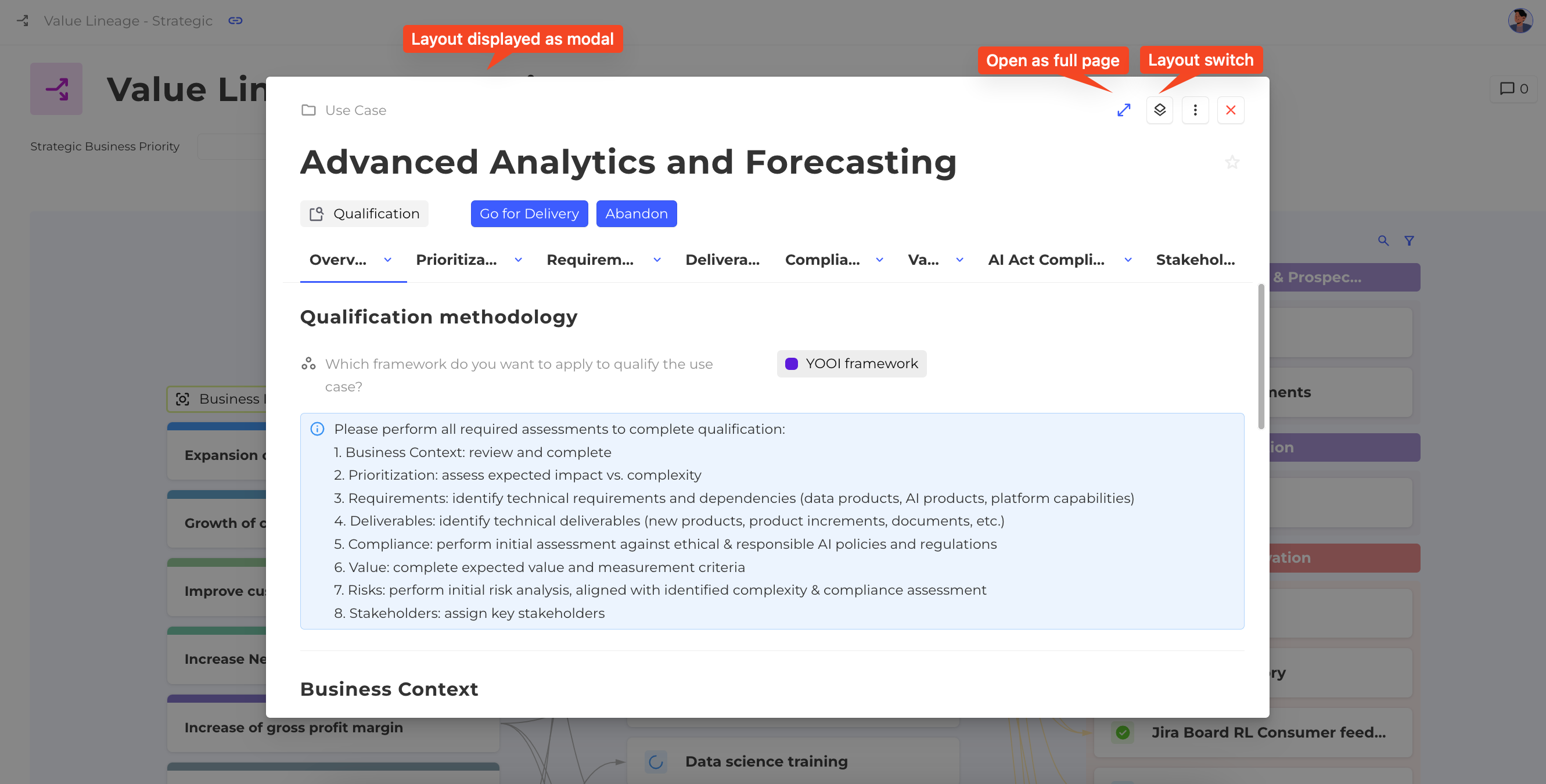
Layouts and forms define how information about one or more instances of a concept is displayed. Both can open in a modal or as a full page.
To keep things simple, this section describes monodimensional layouts and forms. The behavior for multidimensional layouts is similar, except there is no default layout and no multidimensional creation widget.
How does the platform select a display?
The display used when an instance is opened depends on several factors:
- Default Layout: Each concept can have a Default layout. If not overridden, this layout is used whenever an instance is opened (from a chip, a line in a table, etc.).
- Creation Widget: The layout or form can be defined when creating an instance using a creation widget on dashboards.
- Specific Views: Each view that allows opening an instance can specify which layout or form to use.
- Message Area: An instance can be opened from the message area via an Open Layout button.
How to open a layout as a full page
For layouts opened in a modal, an Open full page option can be enabled. This option is not available for forms.
How many layouts and forms can a concept have?
Each concept can have as many layouts and forms as needed. Different layouts or forms can be used in different contexts for the same instance. Typically:
- Layouts present information in different ways depending on the audience or purpose.
- Forms usually show only a subset of fields. For example, a compliance form may show only the fields related to compliance.
How do layout and form groups choose a display?
Layout groups and form groups help display the most relevant layout or form automatically based on conditions.
For example, when several business units use different layouts for the same concept Use Case, a group can display the right layout for the current business unit.
- The first matching condition in the group determines which layout or form is displayed.
- The process works the same way as selecting a home page.
A layout or form group can also be set as the Default layout of a concept.
How does a layout switch work?
A layout switch lets users switch between several layouts for the same instance.
- Configure it in the layout settings.
- Unlike layout groups, which select the best layout automatically, a layout switch lets the end user choose between layouts manually.
For example, a Use Case may have both a General layout and a Financial layout. With a layout switch, it is possible to view the general information and then switch to the financial view, or vice versa.