Roles can be displayed in a table like any other field.
Configure the roles table
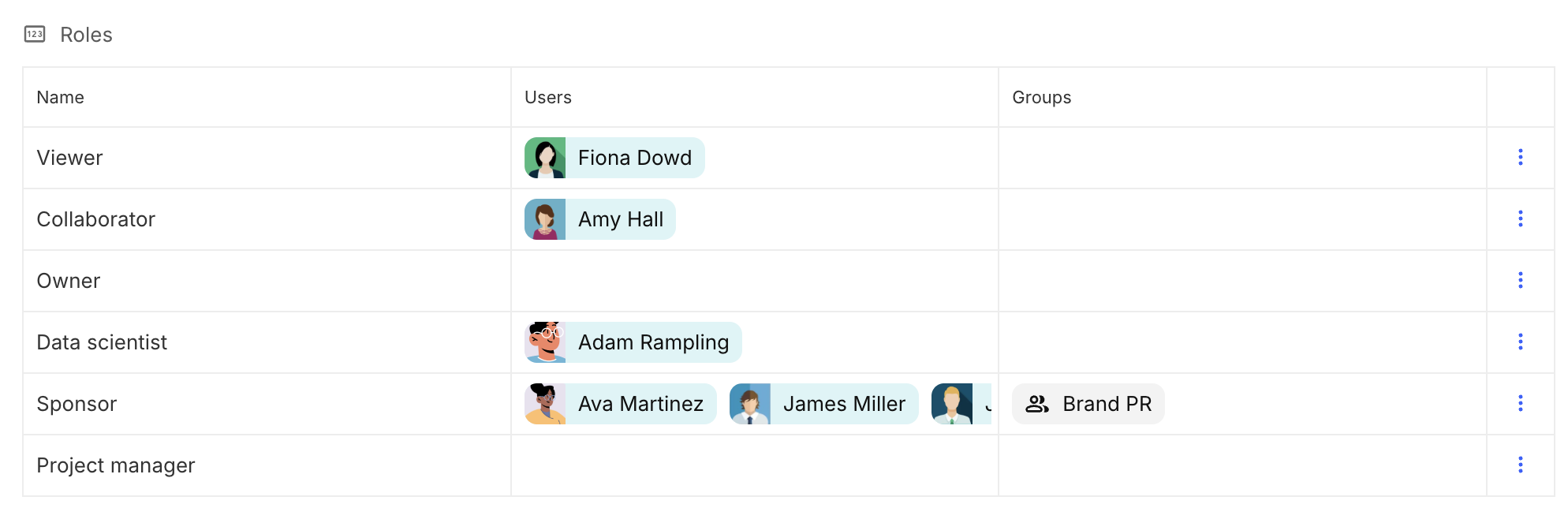
- Configure a table using the roles field as the source. Then, add the desired columns by following the appropriate path.
- For example, to display the users and groups assigned to each role, use the following paths:
- Users:
Use Case → Use case(Layout Dimension) → Roles → Role (View Dimension) → Users
- Groups:
Use Case → Use case(Layout Dimension) → Roles → Role (View Dimension) → Groups
- Users: